
Losing focus
Reading, scrolling and playing at the same time pulls attention away from the music and the stage.
 iPad app · Now in TestFlight beta
An iPadOS app that helps music directors and band musicians stay in sync by automatically moving everyone’s chord sheet to the right section — triggered by your Digital Audio Workstation (DAW).
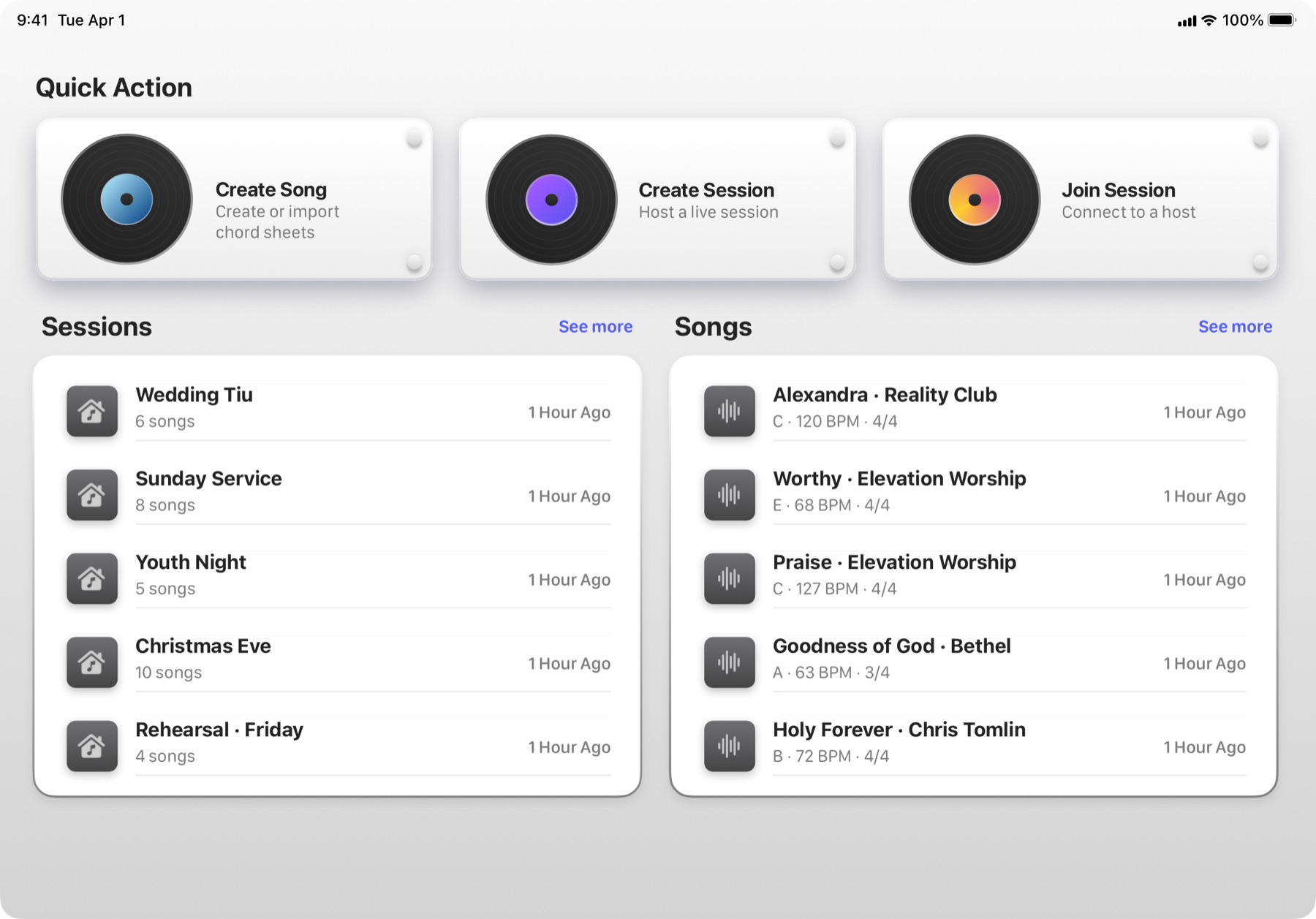
Musicians rely on chord sheets while playing, and have to scroll them by hand mid-song. That splits their focus on stage.
Reading, scrolling and playing at the same time pulls attention away from the music and the stage.
One missed scroll and you’re a section behind, looking for the bridge while the band has already moved on.
With many songs to play and little rehearsal time, small slips are easy, and the whole band hears them.
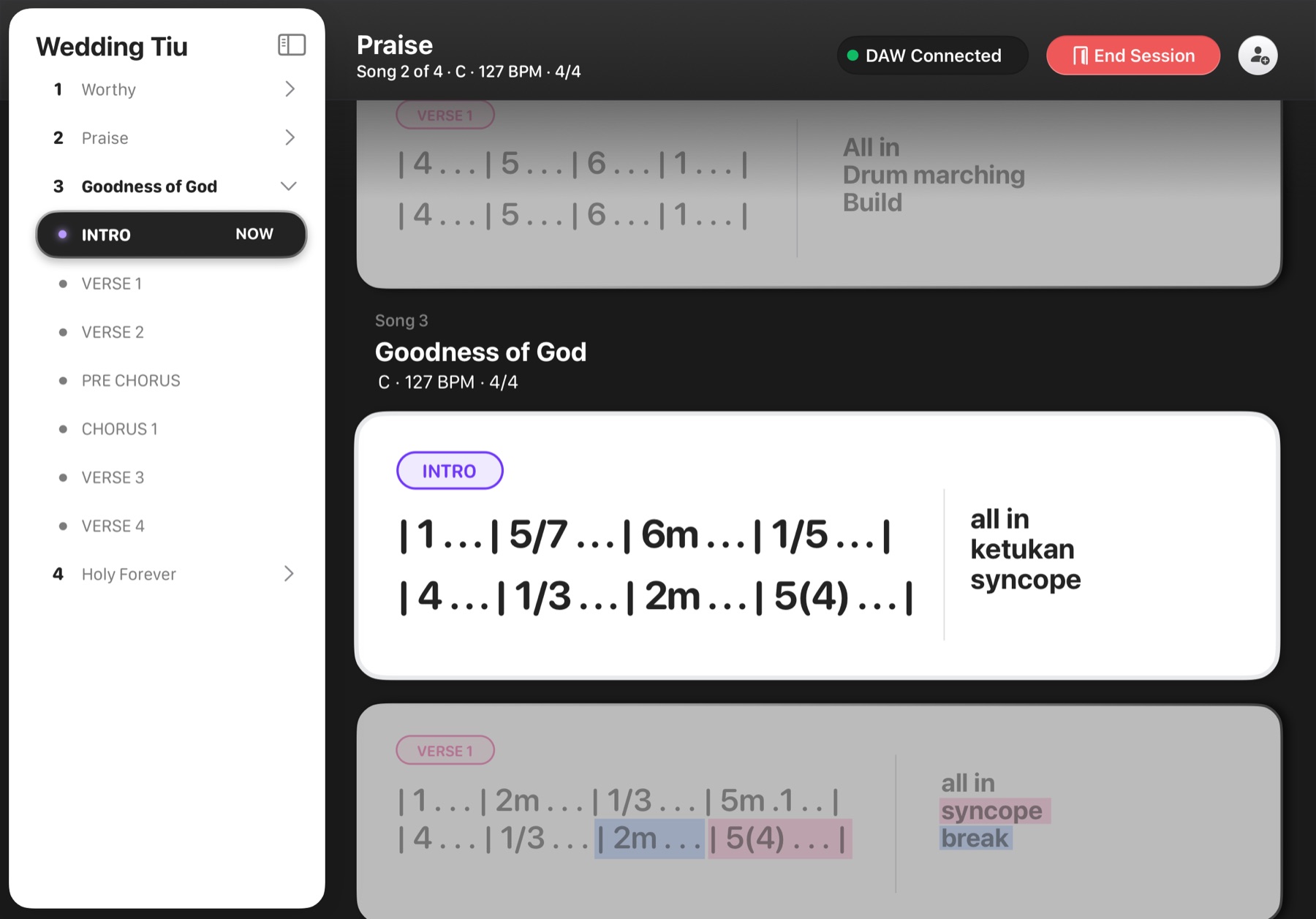
InSync listens to your Digital Audio Workstation over MIDI. When the sequencer reaches a section marker, every iPad in the band jumps to that section, with no scrolling and no counting bars.
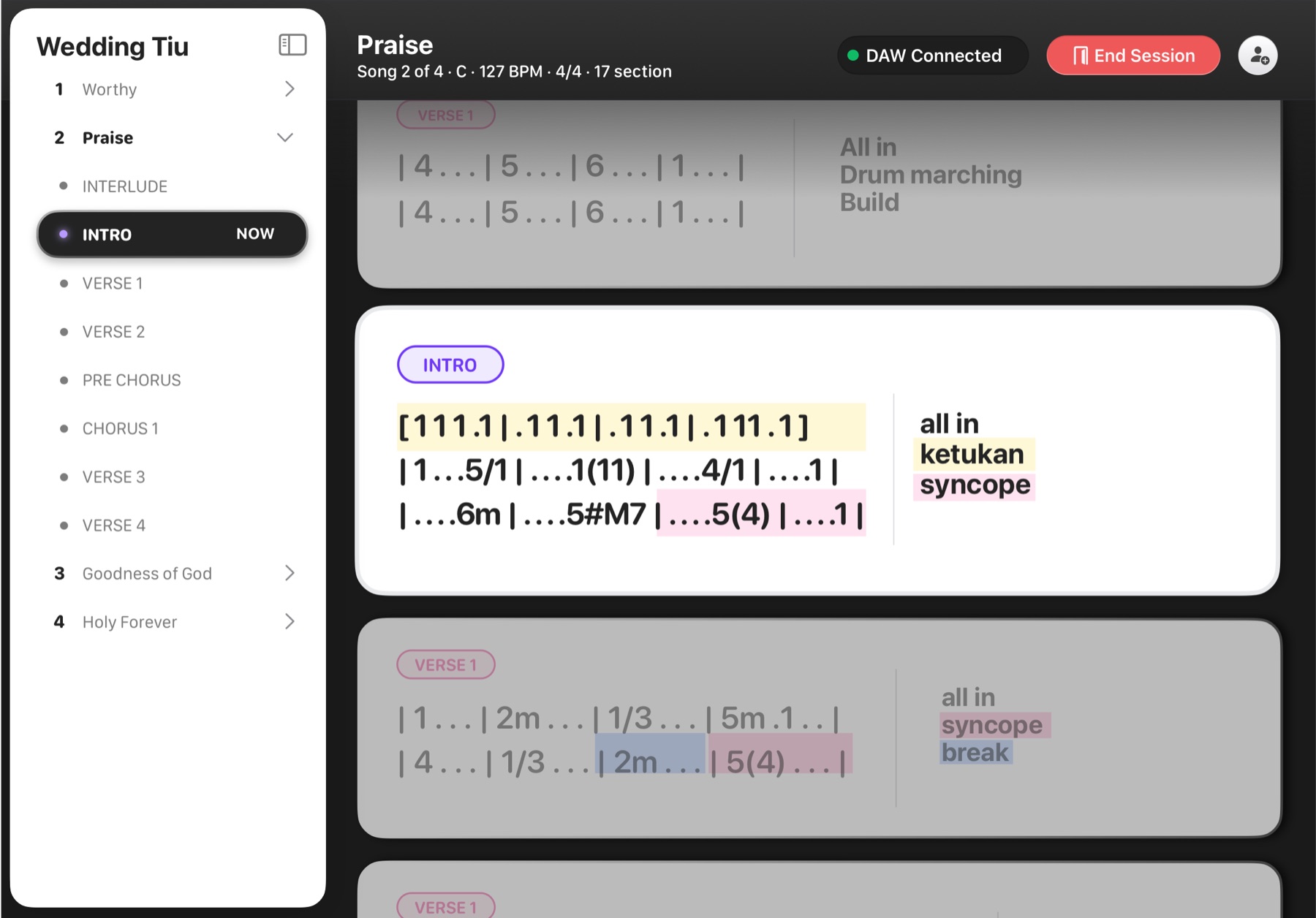
The markers you already place in your sequencer, like Intro, Verse and Chorus, drive the chord sheet in real time.
Musicians join the session with a 5-digit PIN on the same network, and their screens move together with the leader’s.
MIDI Clock keeps InSync in time with your DAW, so the switch happens exactly when the band moves on.
Write a song from scratch, or import an existing chord sheet as a PDF, image or photo. InSync’s on-device AI reads it and turns it into sections with chords and notes for you to review and edit.
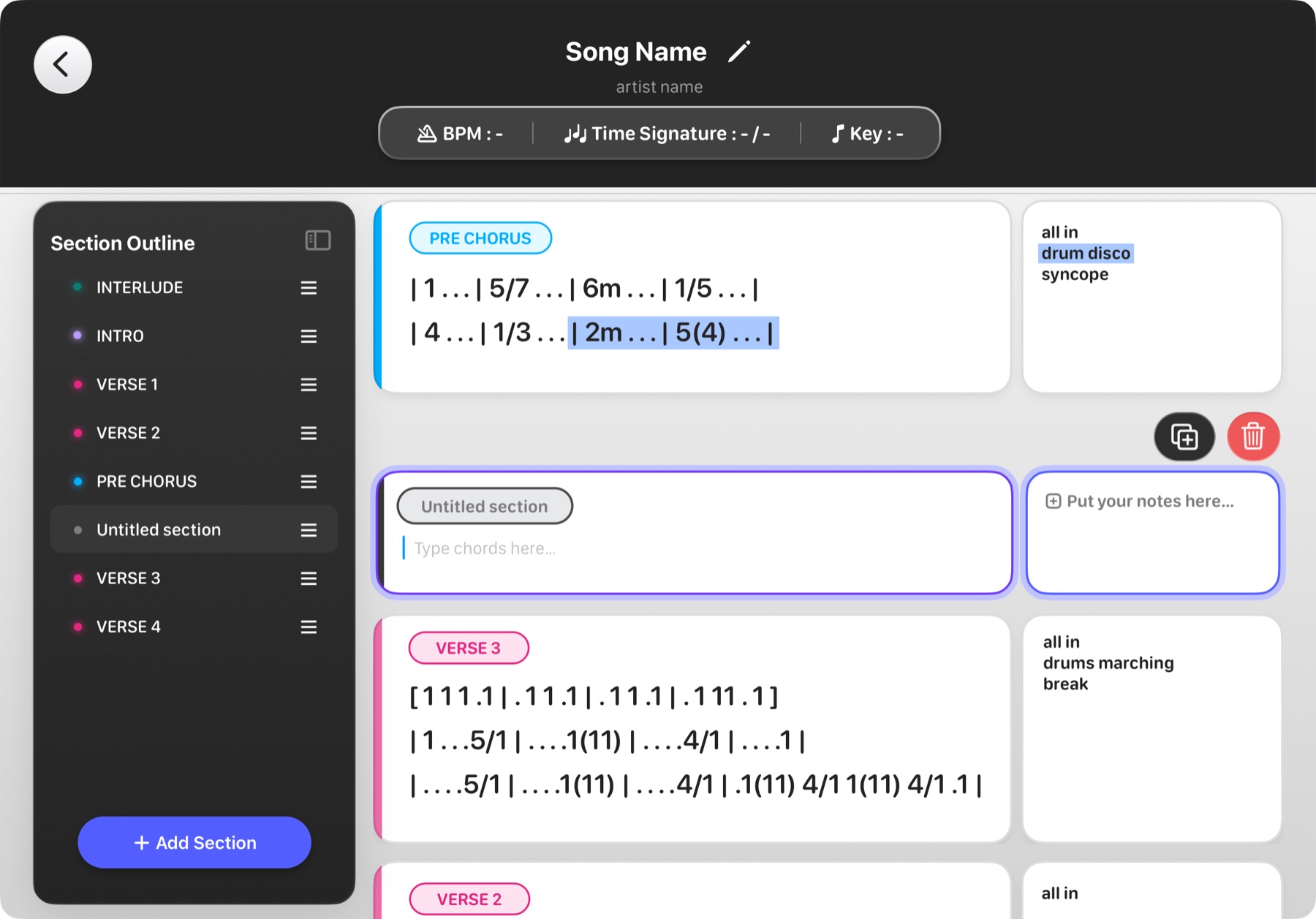
Build the set list for your session, then import the section markers from your DAW project and connect it to the iPad over MIDI.
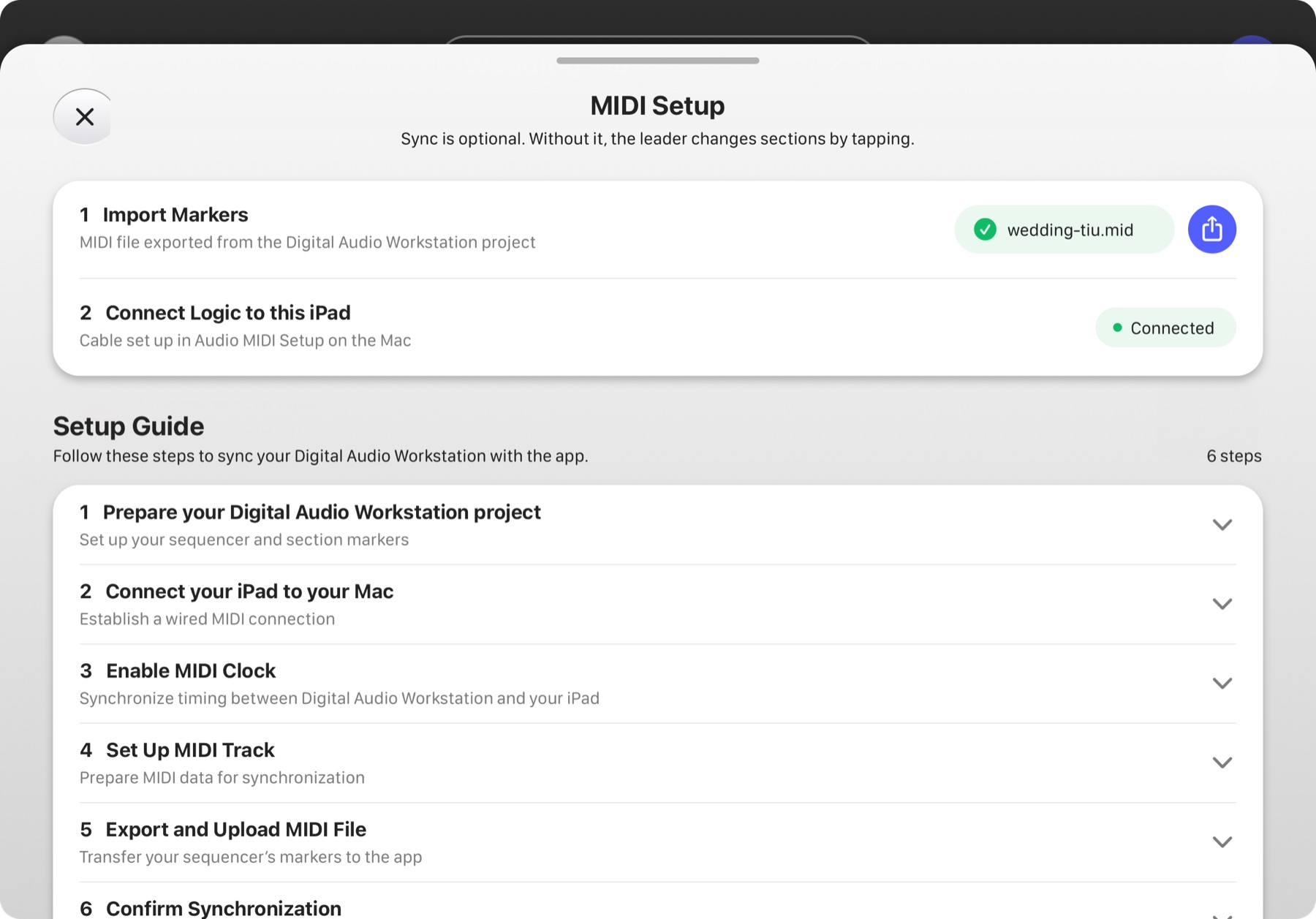
As the sequencer plays, each section and each next song appears on every iPad at the right moment, so the band can keep their eyes up and play.
Connect a DAW such as Logic Pro to your iPad with the same step-by-step guide that’s built into the app.
Follow these steps to sync your Digital Audio Workstation with the app.
Complete your sequencer and section markers before configuring MIDI. If you change them later, export and import the MIDI file again.
If you disconnect your iPad, repeat this step after reconnecting it.
The MIDI region must cover all section markers in your sequencer project. Otherwise, markers outside the region can be left out of the export and sections won’t line up.
InSync is in beta on TestFlight. Join now and try it with your band at your next rehearsal.
Join the TestFlight BetaHave a question, feedback, or a problem using InSync? Get in touch and we’ll be happy to help.